
How to Search Hudson County Court Records
Hudson County case searching starts with the state Judiciary. The first stop is the New Jersey Courts Find a Case page. It does not hold one big database. Instead it routes you to separate public search tools by case type. Civil suits and foreclosures use the civil and foreclosure case jacket. Criminal lookups use criminal public access tools. Municipal traffic and complaint matters use the Municipal Court Case Search or NJMCDirect. So the case type controls which tool you open.
Know a few things before you start. Have the docket number if you can find it. A docket number is the most exact search you can run. If you do not have it, use full party names and try alternate spellings. Pick the right court type too. A traffic ticket is not in the same system as a civil lawsuit. Hudson County is the venue you select when a portal asks for county.
- Identify the court type. A traffic ticket, local ordinance, or disorderly persons complaint begins with Municipal Court Case Search or NJMCDirect. A civil suit over $20,000, a foreclosure, a landlord-tenant case, a family or divorce matter, or an indictable criminal case begins with Find a Case.
- Open Find a Case and choose the portal that matches your case. Each link goes to its own search screen for civil, criminal, judgment liens, tax, municipal, Supreme Court, or opinions.
- Select Hudson County when county is a filter. If county is not a field, narrow by docket number prefix or by party name instead.
- Search by docket or case number if you know it. This is the most precise search. New Jersey dockets use division prefixes such as L, DC, LT, F, FM, and FV.
- Search by party name when the case number is unknown. Use exact spelling, then try other spellings. The same names can appear more than one way.
- Open the case jacket or result. When a document is not downloadable, use the Judiciary court records request process to ask for copies.
The civil and foreclosure case jacket is the workhorse portal for Hudson County Superior Court civil records. A look at its search screen helps before you start. The New Jersey Judiciary hosts the public access civil case jacket for civil and foreclosure matters.
The lead-in points to the official portal you will use most. Below is its public entry screen.
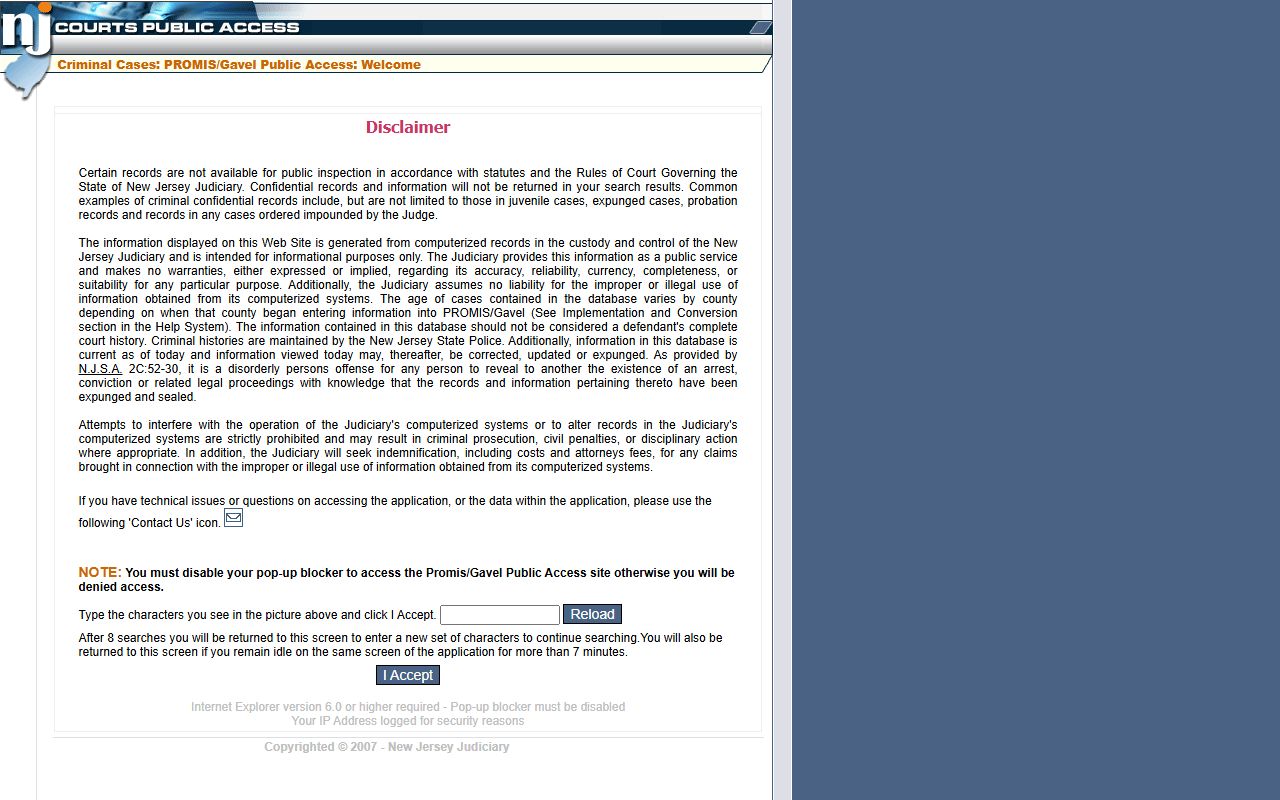
That screen is where party name and docket number searches run for Hudson County civil and foreclosure case jackets.
Hudson County Court Records Search Fields
The Find a Case page is really a launchpad. Each link sends you to a different search tool. Knowing what each link covers saves time, because you will not run a civil search for a traffic ticket. The fields below show what the main launchpad offers for Hudson County court records.
| Field Label | Type | Required | Notes / Format |
|---|---|---|---|
| Search Civil and Foreclosure Cases | Portal link | No | Case jackets by party name or docket number. |
| Search Criminal Cases | Portal link | No | Search criminal cases by name or county. |
| Search Criminal Judgments | Portal link | No | Defendant name, SBI number, complaint number, or indictment number. |
| Search Judgment Liens | Portal link | No | Party name, judgment number, or docket number. |
| Search Tax Court Cases | Portal link | No | Party name, docket number, or block/lot number. |
| Find My Municipal Court Case | Portal link | No | Ticket number or complaint number generally required. |
| Request Court Records | Portal link | No | Copy request process for records not online. |
The civil and foreclosure case jacket has its own short field set. It runs on docket number or party name and lets you filter by county and case type. Use the Hudson County option when the portal version shows it.
| Field Label | Type | Required | Notes / Format |
|---|---|---|---|
| Docket Number | Text | No | Use division/docket format when known; best exact search. |
| Party Name | Text | No | Search by person or business party name. |
| County | Dropdown | No | Select Hudson for local cases when shown. |
| Case Type | Dropdown | No | Civil, foreclosure, special civil, or landlord-tenant by portal version. |
| Search | Button | Yes | Runs the query. |
| Clear/Reset | Button | No | Clears the fields. |
Types of Hudson County Court Records
Hudson County court records cover many case types, and each type lives with a different division of the Superior Court or with the municipal courts. Civil records include complaints, answers, motions, orders, judgments, and writs. Criminal records include complaints, indictments, plea forms, and judgments of conviction. Family records cover divorce, custody, child support, and domestic violence. Probate records cover wills, administrations, and guardianship. Municipal records cover tickets, complaints, payments, and dispositions.
Which court makes the record matters for access. Indictable criminal cases sit in the Superior Court Criminal Division. Disorderly persons cases are often municipal. Civil Law Division generally handles suits over $20,000, while Special Civil handles smaller claims and landlord-tenant matters. Family files carry more privacy limits than civil files.
- Civil records: lawsuits, foreclosures, landlord-tenant, small claims, judgments, and liens.
- Criminal records: indictments, accusations, plea and sentencing records, and docket events.
- Family records: divorce, custody, child support, juvenile, and domestic violence, with heavy redaction.
- Probate records: wills, administrations, short certificates, and guardianship filings.
- Municipal and traffic records: tickets, complaints, payments, and failure-to-appear warrants.
What Hudson County Court Records Show
A public case result in Hudson County shows a set of standard fields. The exact fields depend on case type and access rules, but most records share a common core. A civil case jacket commonly lists docket number, venue, case caption, party names, attorneys where public, case type, filing date, status, disposition, judge, and the docket entry list. Some scheduled events and orders appear too. Confidential identifiers such as Social Security numbers are not shown.
| Field | What It Shows |
|---|---|
| Docket / Case Number | The unique court ID, often with a division prefix such as L or F. |
| Case Caption / Parties | Plaintiff v. defendant or State v. defendant; minor names may be initialized. |
| Venue | Hudson County / Hudson Vicinage. |
| Filing Date | The date the initiating document was filed. |
| Case Status | Open, closed, disposed, dismissed, or judgment entered. |
| Disposition | The current or final outcome of a charge or case. |
| Judge | The assigned or presiding judge. |
| Docket Entries | Filings and events such as motions, orders, and hearings. |
Want to see how each event line reads? Hudson County court dockets breaks down the entry list in more detail.
Public Access Framework for Hudson County Court Records
New Jersey runs two overlapping access systems, and picking the right one matters. County and municipal agency records are governed by the Open Public Records Act, N.J.S.A. 47:1A-1 et seq., with help from the Government Records Council. Court case files are different. They are governed mainly by New Jersey Court Rule 1:38, not ordinary county OPRA. So you ask the Judiciary for case files and you ask county departments for county agency records.
Rule 1:38 starts from a simple idea. Court records are open for inspection and copying unless a rule or statute pulls them back. Rule 1:38-3 lists the records that are excluded, and Rule 1:38-7 covers the redaction of confidential identifiers. The Government Records Council also keeps an OPRA FAQ for county-side questions. A copy fee may apply for some documents, and identity is not always required to view a public case online.
The OPRA FAQ explains how county-side requests work. The Government Records Council FAQ covers request steps, deadlines, and fee rules for county agencies.
The lead-in points to the agency that answers OPRA questions for county records. Its FAQ screen is shown below.
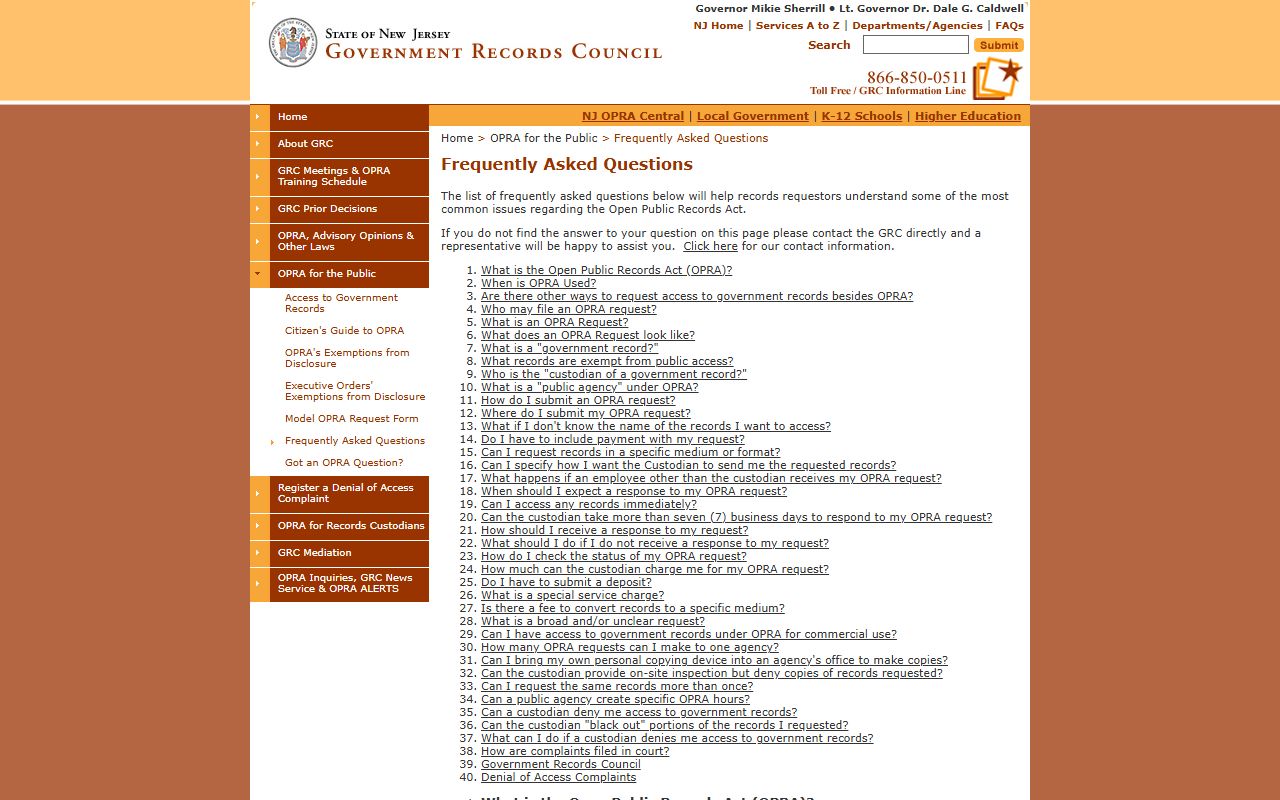
That FAQ helps when your Hudson County request is for a county department record rather than a court case file.
Note: Court case files follow Rule 1:38, while county department records follow OPRA, so use the channel that matches the record you want.
Records That Are Sealed or Confidential in Hudson County
Some Hudson County court records are not open at all. Rule 1:38-3 and several statutes block them. Juvenile delinquency records are strictly safeguarded under N.J.S.A. 2A:4A-60. Adoption records are sealed under N.J.S.A. 9:3-52 unless a court orders otherwise. Minor-victim identity is protected by N.J.S.A. 2A:82-46. Mental-health patient records are confidential under N.J.S.A. 30:4-24.3. Grand jury material, presentence reports, and expunged records are also withheld.
This is why a Hudson County case can show online with only limited documents. The docket may be visible while many filings stay sealed. To view a sealed record, you usually need to be an authorized person or get a court order showing good cause. The Court User Resource Center can explain the process but cannot give legal advice. An attorney can file the motion when one is needed.
In-Person Court Record Requests
When a record is not online, you can ask for it in person or through the Judiciary request process. In Hudson County, walk-in help and records guidance run through the Court User Resource Center in the Administration Building. Bring a photo ID, the case details you have, and a way to pay any copy fee. The New Jersey Courts court records page lists the request steps, and the fee waiver page covers low-income litigants. Hudson court copy fees are set by the Judiciary, so confirm current amounts through those official pages before you pay.
Hudson Court User Resource Center
595 Newark Avenue, Room 102
Jersey City, NJ 07306
201-748-4400
Mon-Fri 8:30 a.m. to 4:30 p.m.
The William J. Brennan Jr. Courthouse at 583 Newark Avenue sits next door, so read your notice to confirm the right building.